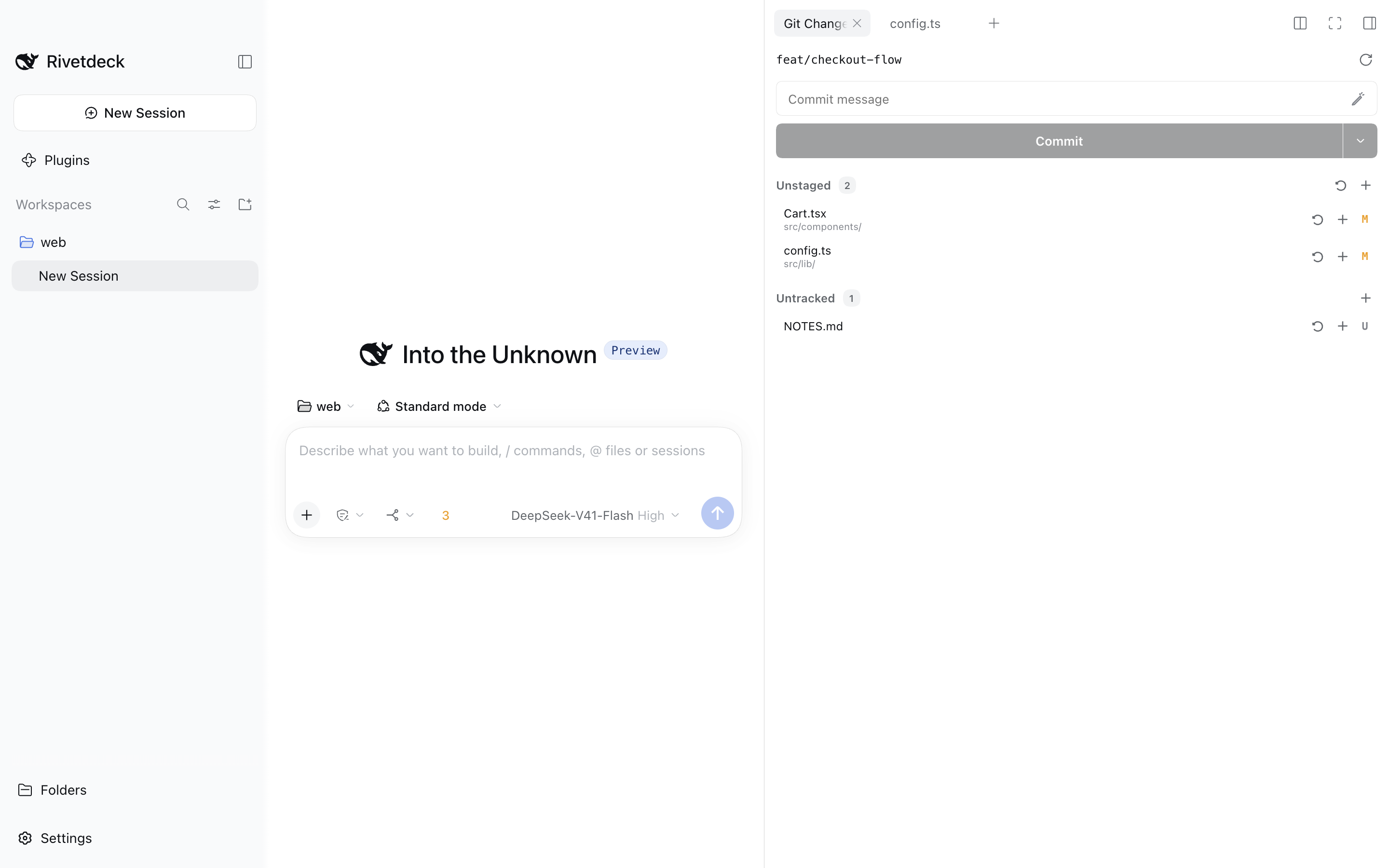
Git
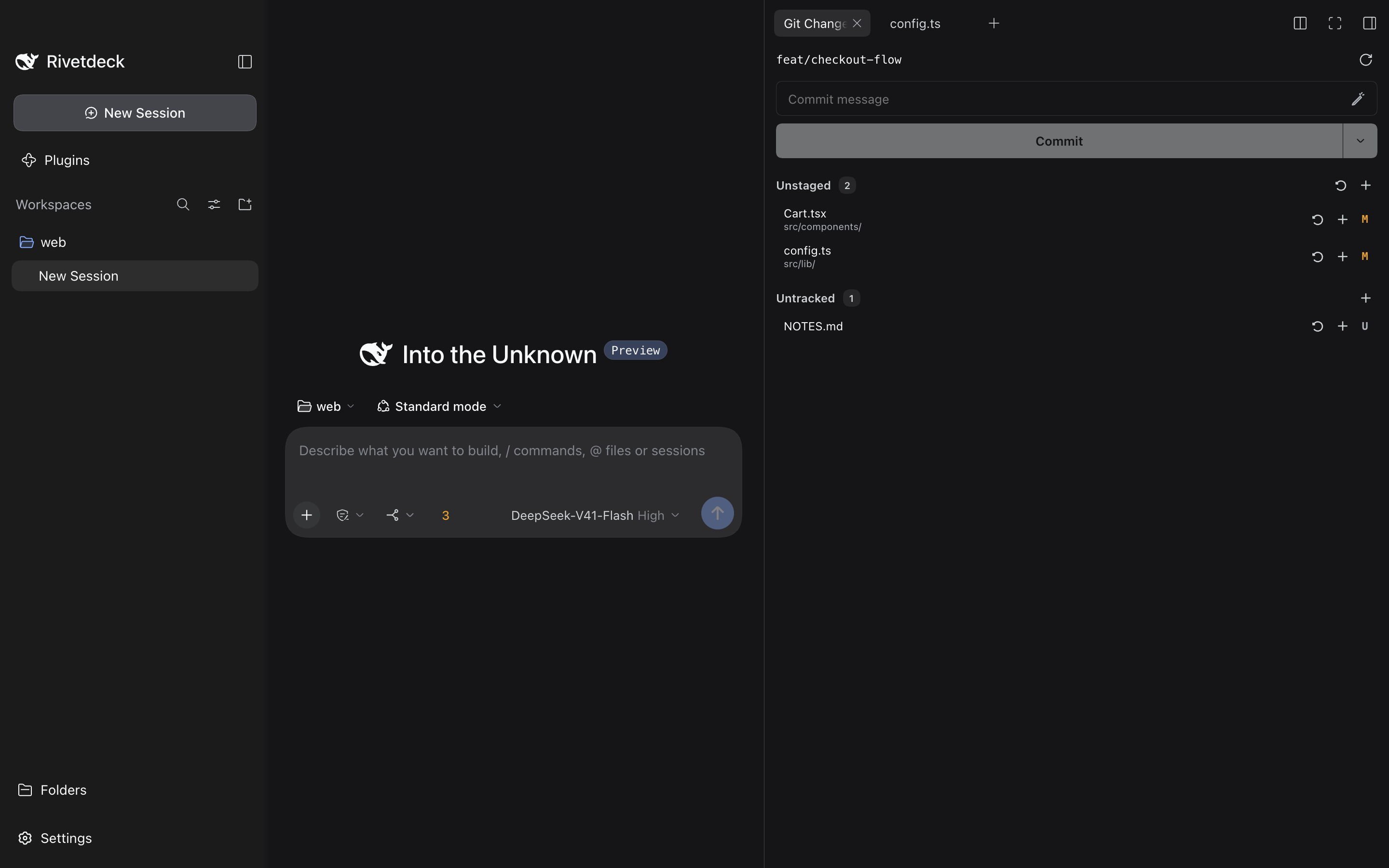
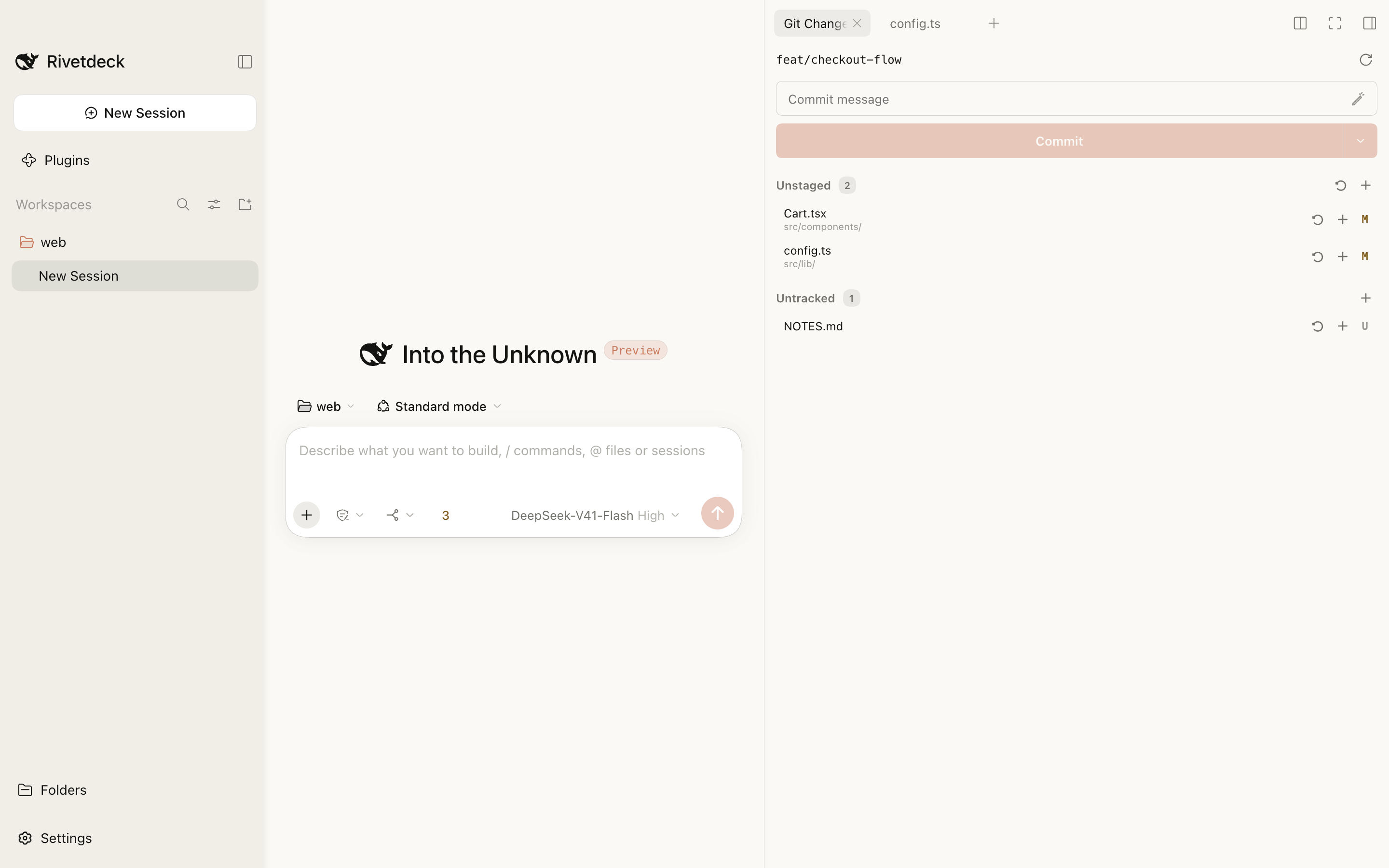
PreinstalledLocal Git status, diffs, staging, commits and branch controls in the right sidebar.
v0.2.0-beta.2 is a pre-releaseRelease notes (opens in a new tab)
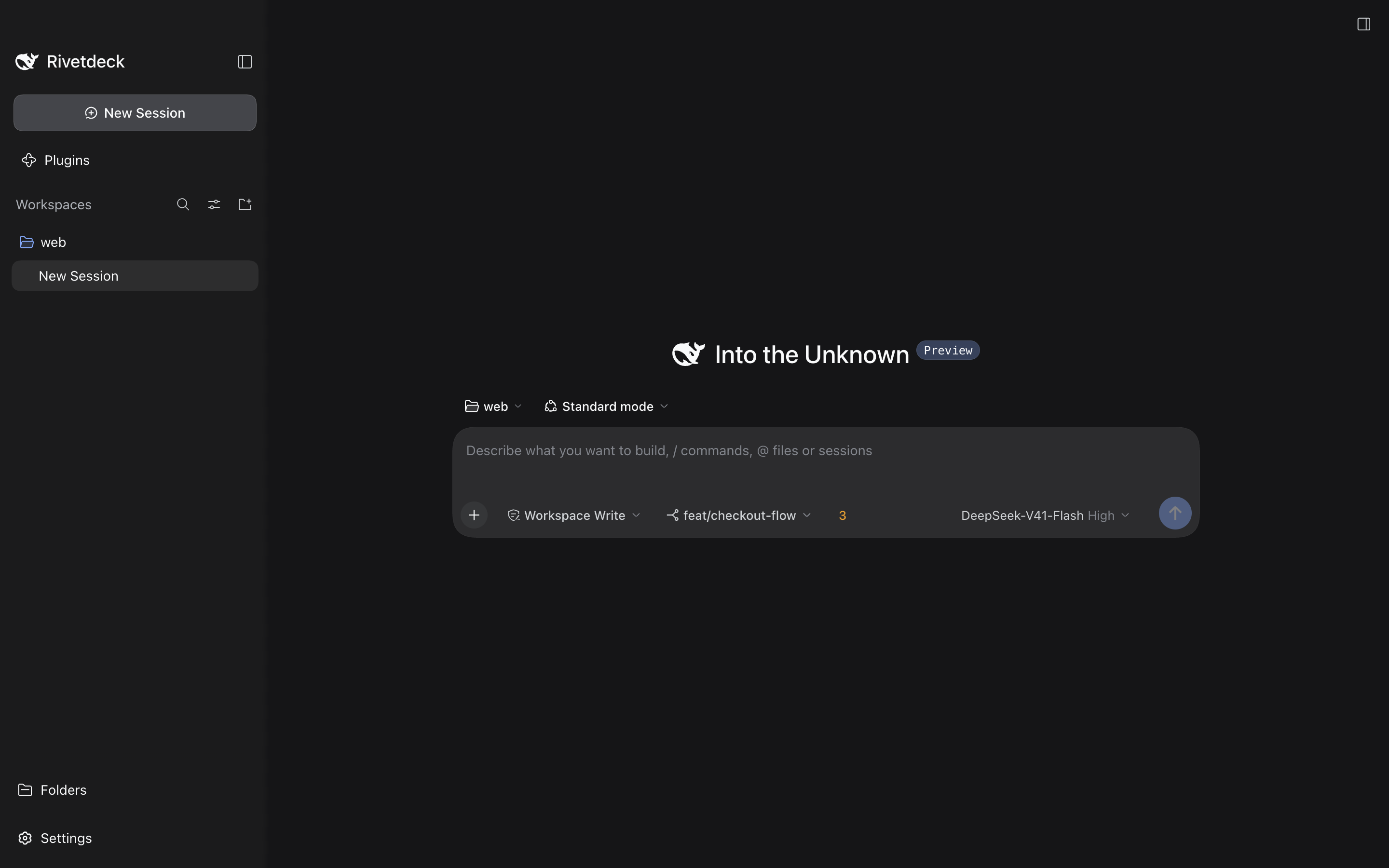
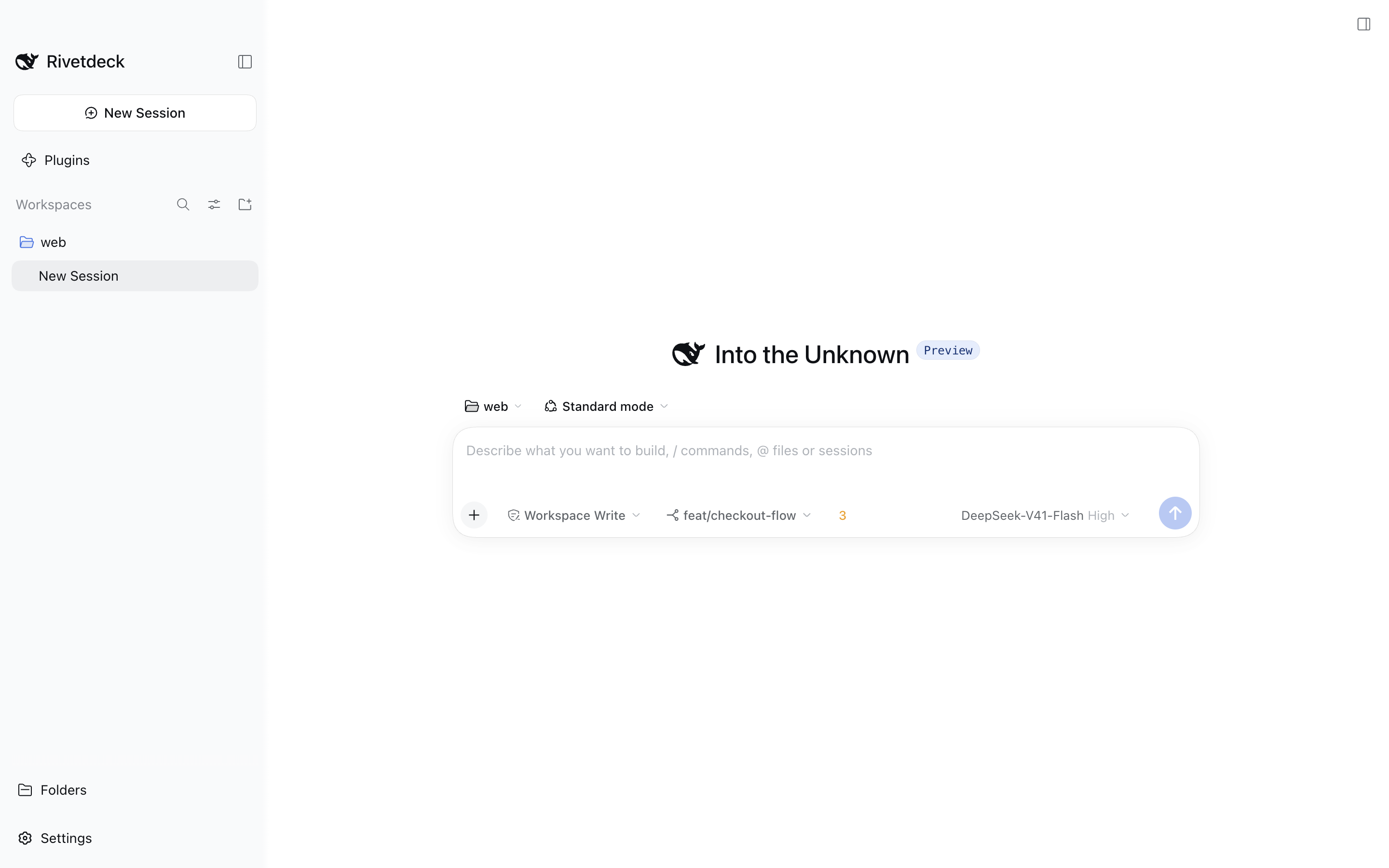
Rivetdeck wraps the DeepSeek Harness runtime in a native window for macOS, Windows and Linux. Pick a workspace, start a session, review changes with Git, and theme it, all without leaving the app.
Captured from the Rivetdeck desktop build: Workspaces sidebar, session composer and the preinstalled Git panel.
Rivetdeck does not replace the agent runtime. It packages it, supervises it, and adds the native surface around it.
Two portable DSH plugins ship inside Rivetdeck. Others install separately and run on the same plugin system.
Local Git status, diffs, staging, commits and branch controls in the right sidebar.
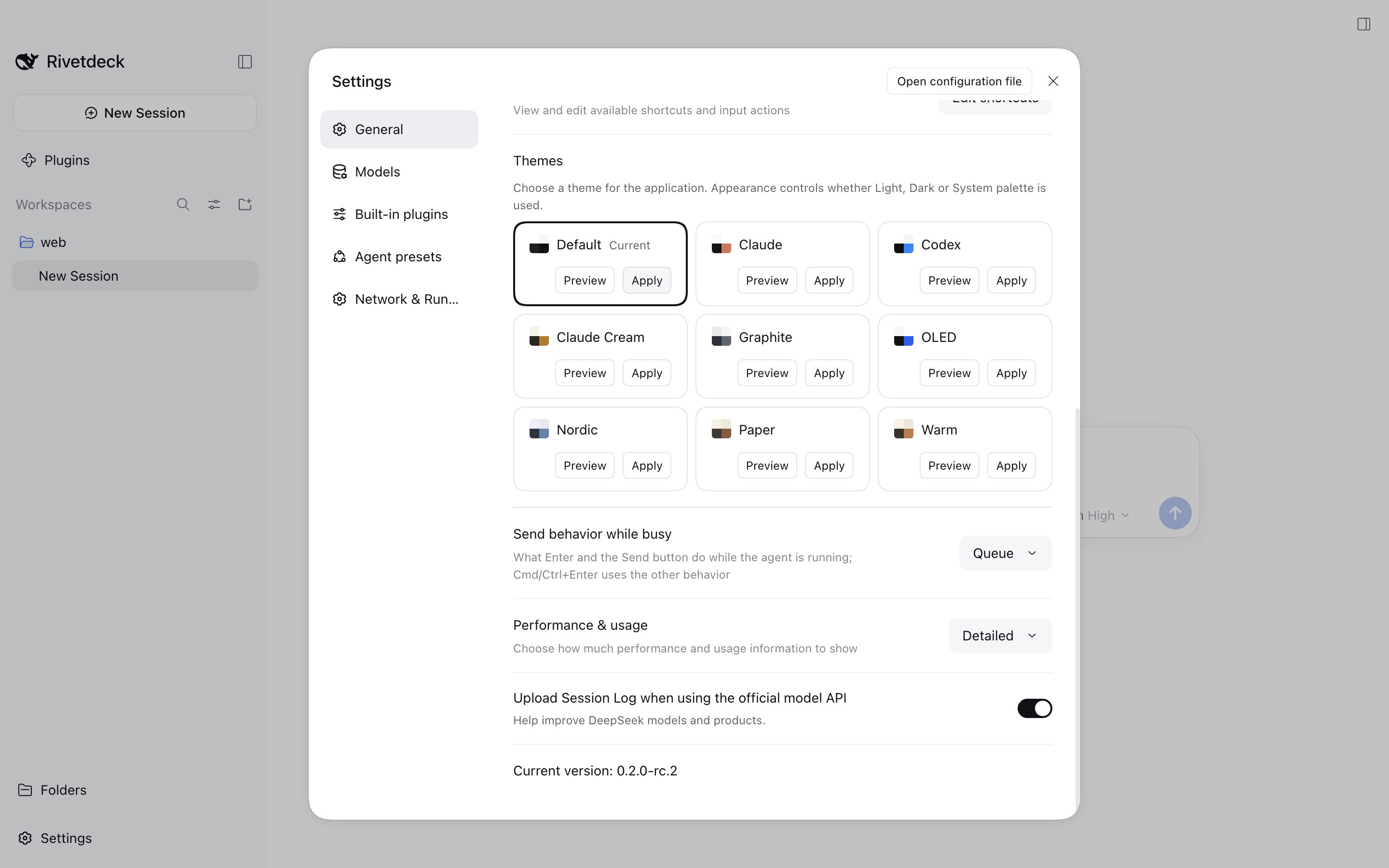
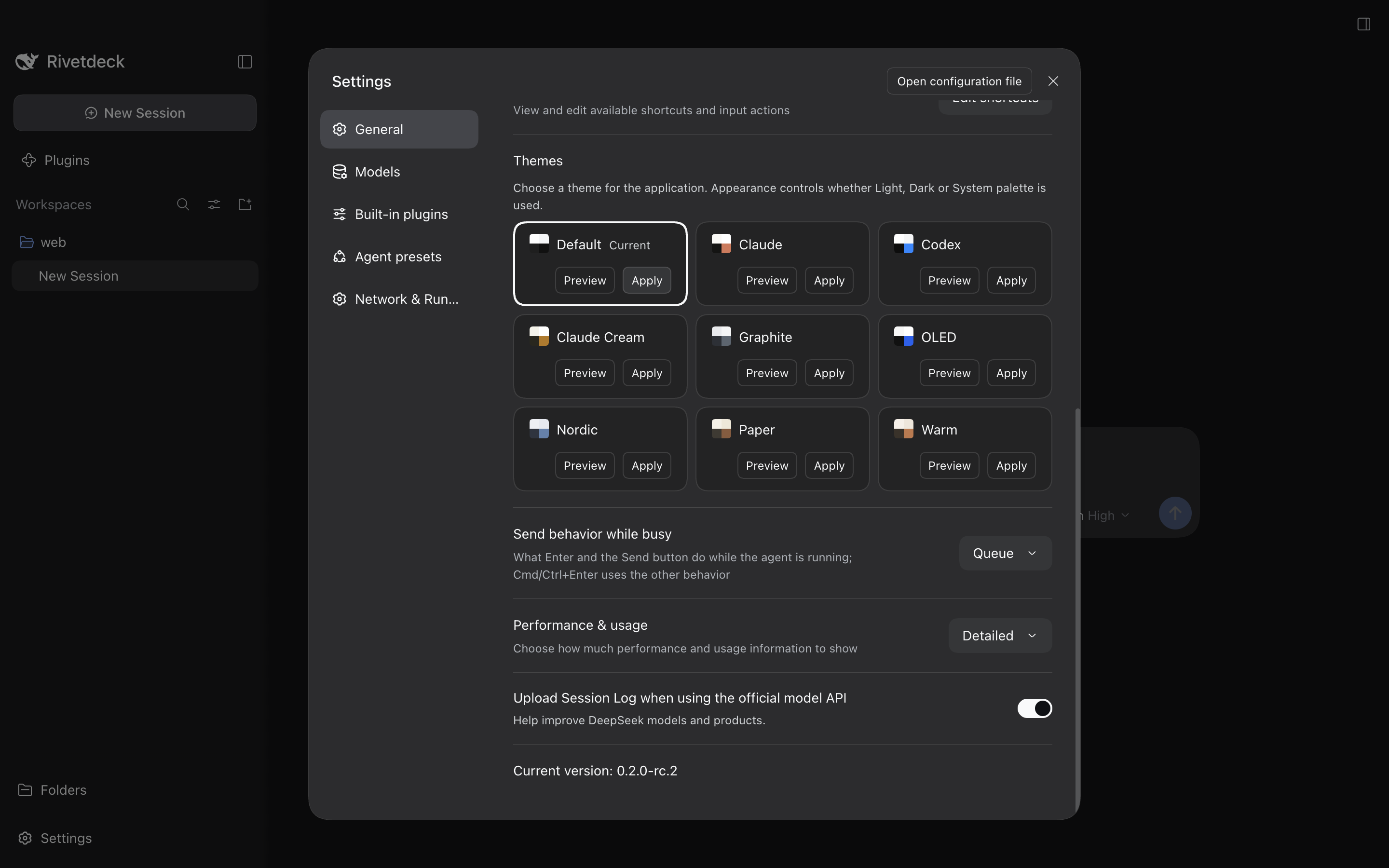
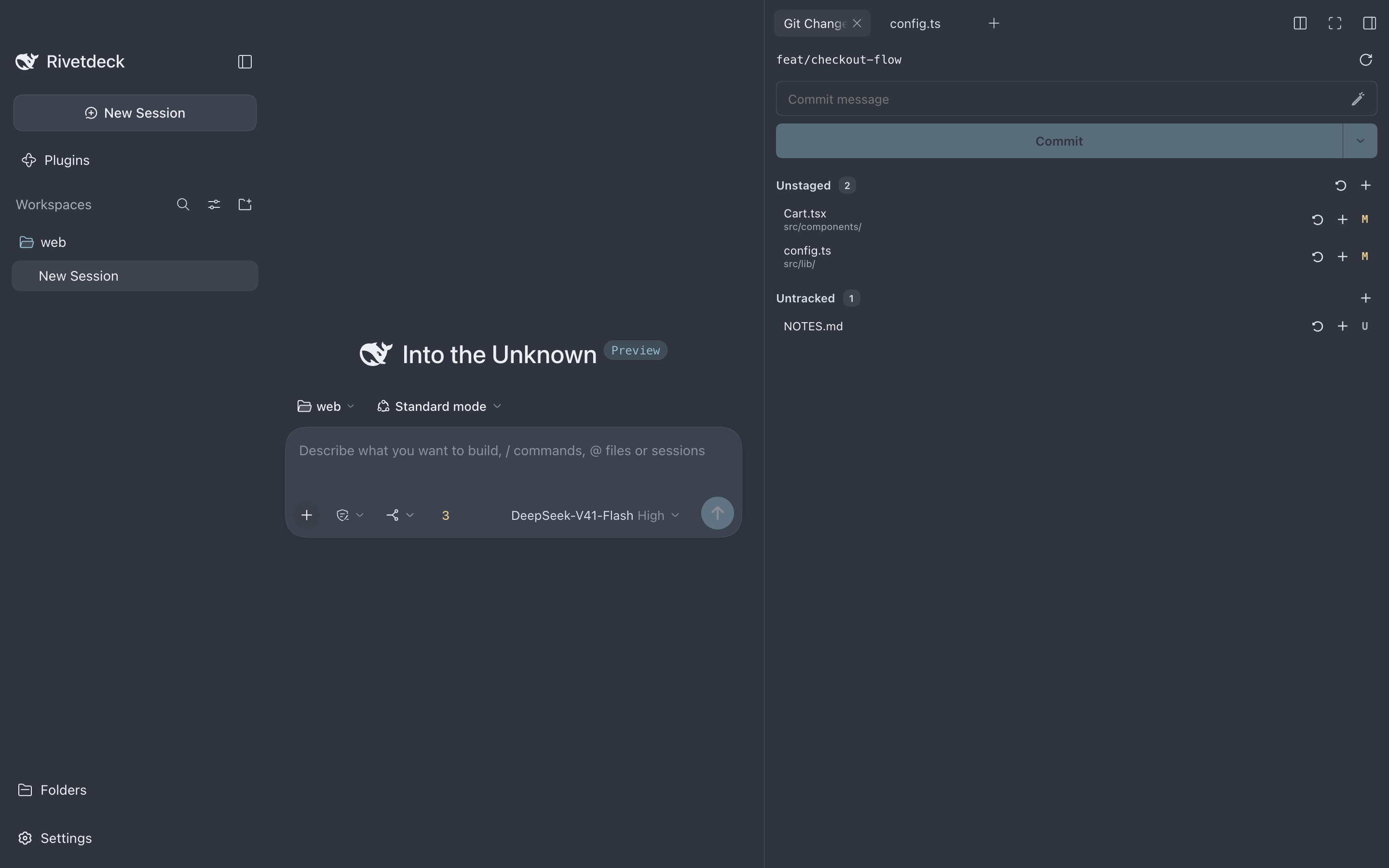
Eight builtin palettes under Settings → General → Themes, alongside the official Light, Dark and System appearance.
Pick a palette to see how the app chrome changes. Values come straight from Theme Studio.
Nordic — Cool blue-gray with a cyan-blue accent. Rendered from the palette values in Theme Studio 0.1.3. Illustrative layout, not a screenshot.
Optional · installed separately
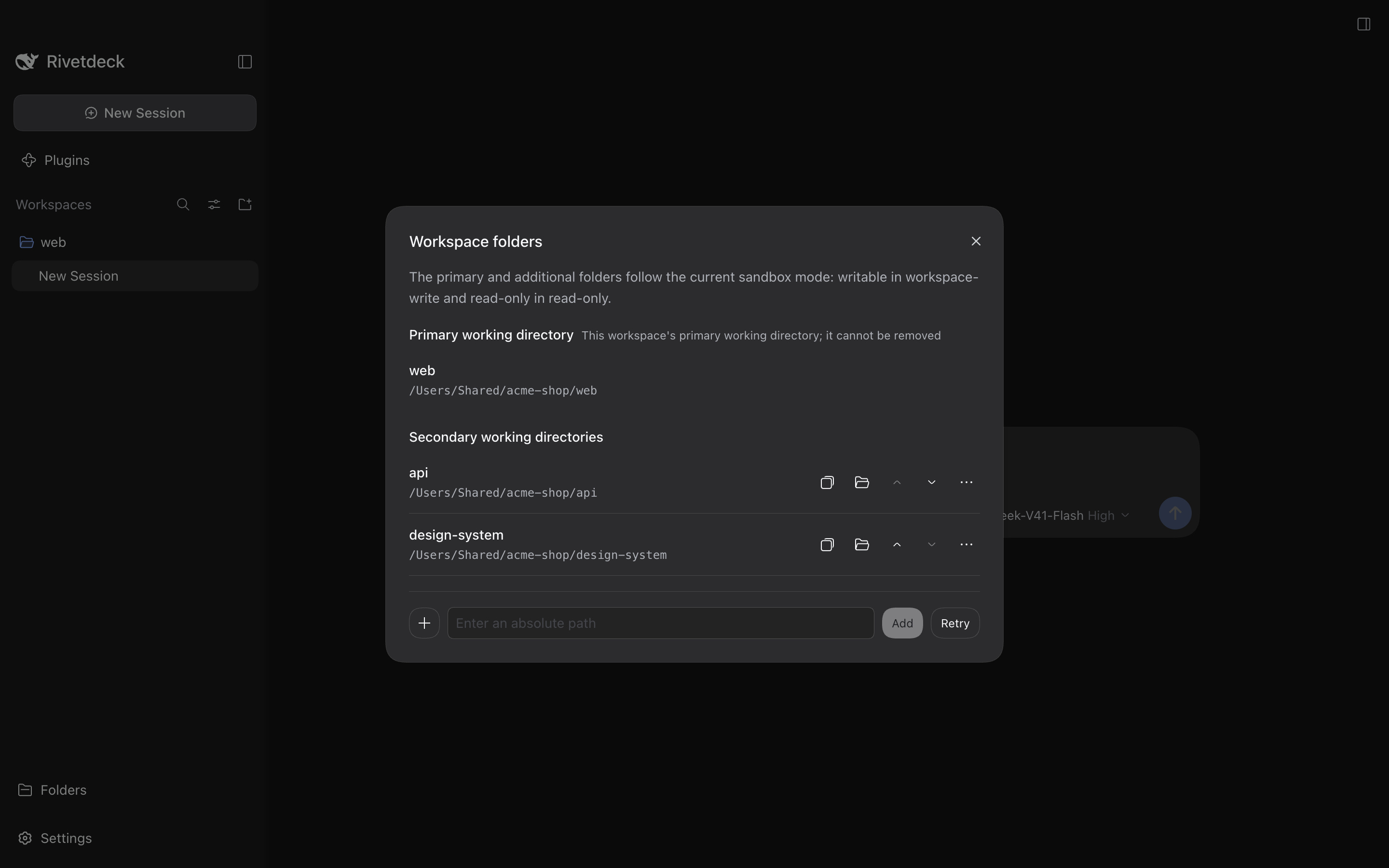
Give an agent write access to a primary root and additional folders at once. The native read, write, edit and bash tools stay the same; the sandbox scope gets wider.
Explore Multi-root Workspace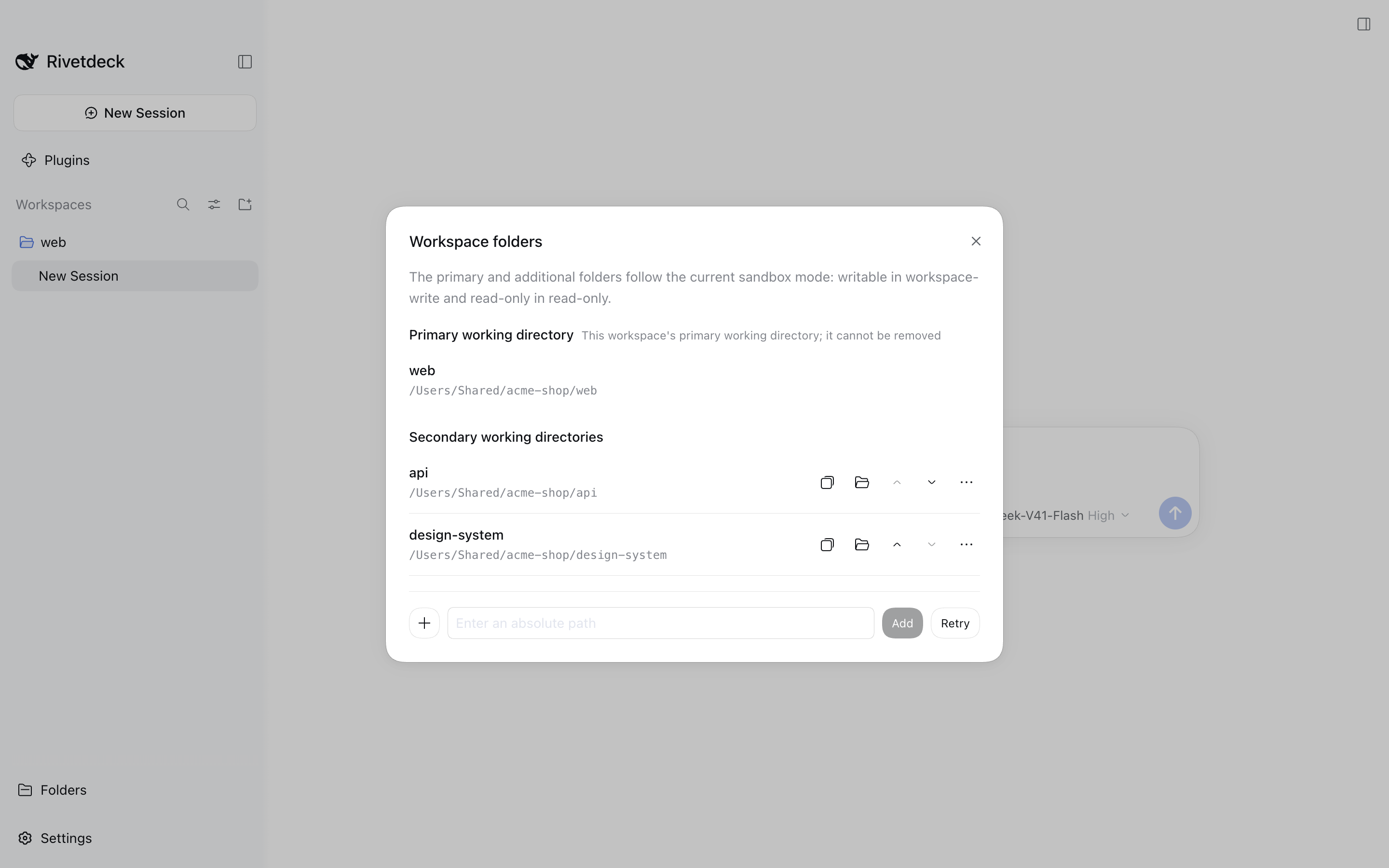
Version 0.2.0-beta.2, published October 9, 2026. This is a pre-release.
Apple Silicon and Intel
Microsoft Store, or x64 and ARM64 installers
AppImage and DEB, x64 and ARM64
Verify downloads with SHA256SUMS.txt. Release notes and the Store (.appx) packages are on the release page (opens in a new tab). After installing, finish provider setup in the Harness UI before you start an agent session.
Needs Node.js ^22.19.0 or ≥ 24 and pnpm. Builds the Harness runtime, then starts Electron.
$ git clone https://github.com/cherrchen/rivetdeck.git$ cd rivetdeck$ pnpm install$ pnpm run build$ pnpm --filter @dsh-electron/dsh-electron startRivetdeck is a community desktop distribution. It follows upstream development and maintains only the desktop packaging.
Not affiliated with DeepSeek. The project follows the DeepSeek Harness brand guidelines: it describes compatibility and does not claim endorsement.
Source, issues and releases are public. Third-party dependency notices ship with the repository.
Upstream now ships a first-party Desktop app, so this Electron distribution may move to archived maintenance. Its unique part is Electron integration (ctx.desktop) for portable plugins.